Christoph Fahlbusch
Native apps, systems, AI workflows, and code
Native Design
A stopwatch is an extreme test of utility design. It has one job, and the user is rarely looking at the screen: they're sweaty, distant, in a kitchen, on a track. Tempra Ora is a stopwatch built for those conditions: full-screen tap targets, clap and shake control, a binary contrast mode that turns the screen into a status light, and progressive disclosure that hides everything secondary until you ask for it.
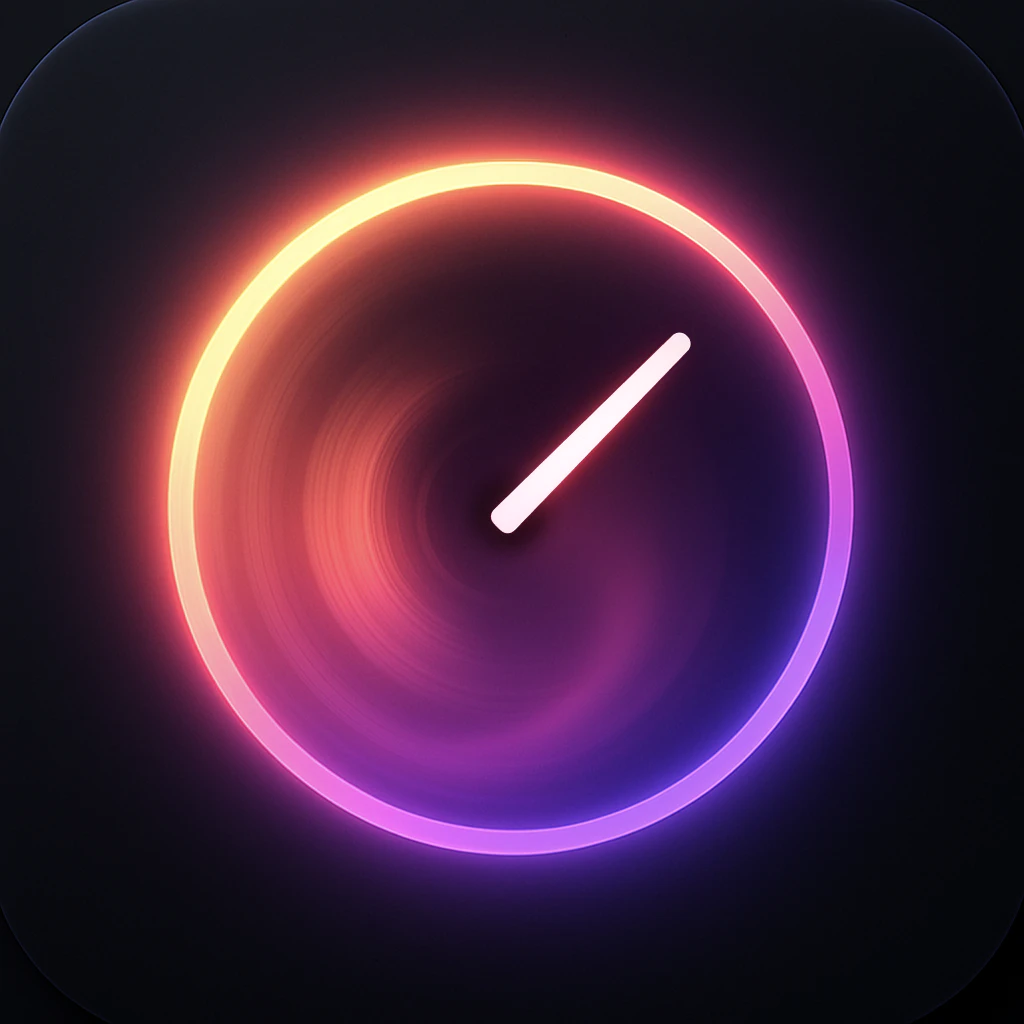
Tempra Ora: Complexity hides in simple tools
"It's just a stopwatch" is the trap. When a tool has only one job, it has to be extremely dependable. There's no feature list to hide behind.
I built Tempra Ora to test a simple idea: can a stopwatch feel so considered that the defaults in other stopwatch apps start to feel less careful? I treated it as an exercise in constraint, haptics, and real environments.
The infinite canvas of zero features
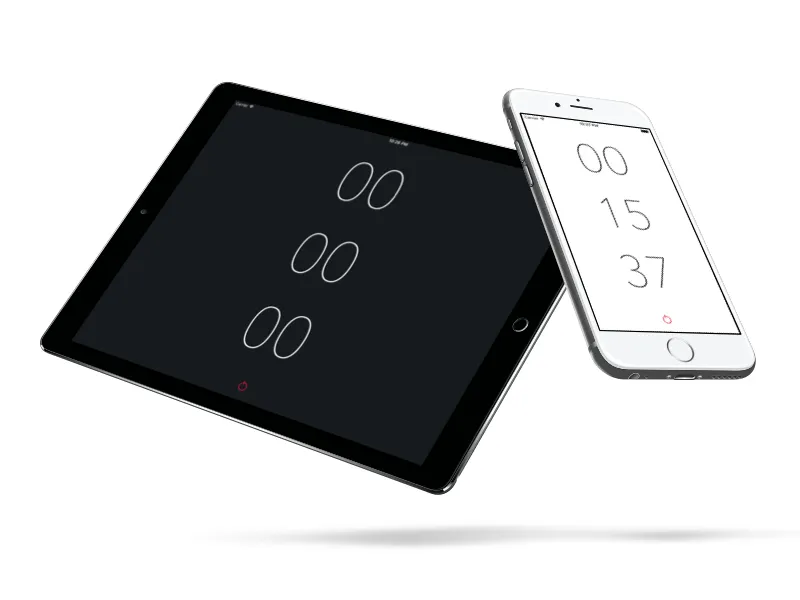
My first attempt, "Minimal Stopwatch", was pure reductionism: one reset button, tap to start, tap to stop.
It looked nice for its time, but it was practically useless, because it ignored reality. Real life has different environments, use cases, laps, and uneven intervals.
Design for the unideal state
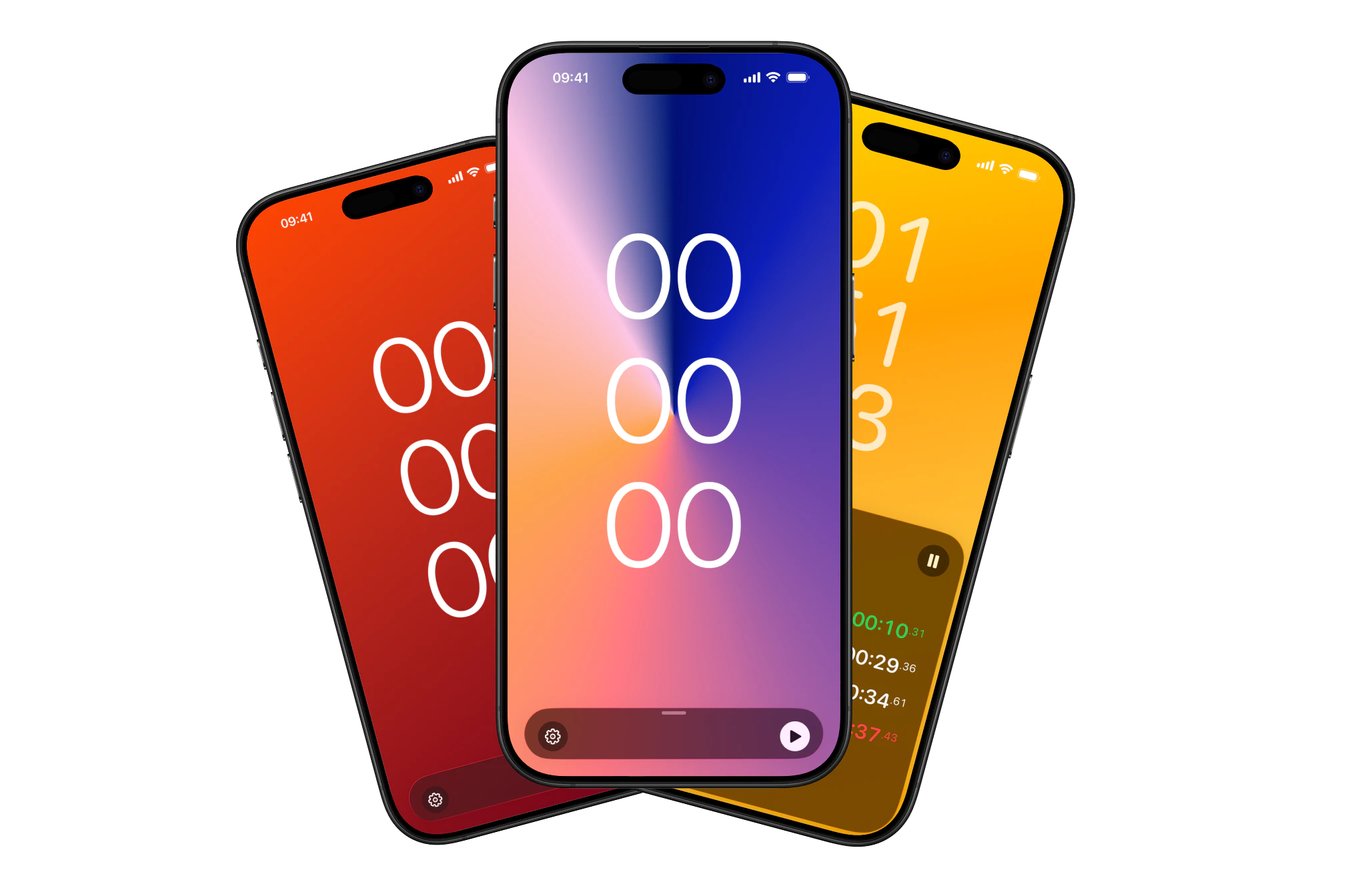
Tempra Ora is designed for a sweaty gym, a chaotic kitchen, or a track field, not a desk.
The user is rarely looking at the screen in those moments, because they're focused on the event, not the tool.
Design for distance
If you're doing planks or cooking pasta, you're usually away from your phone. You can't read "12.4s" in 14pt font.
I built "Super Contrast", a theme that turns the screen into binary black and white. The whole display becomes a status light, so you glance at the screen to confirm instead of reading the numbers.
Fitts's Law in action
When you're running, your touch accuracy drops, and a standard 48pt touch target becomes a moving target.
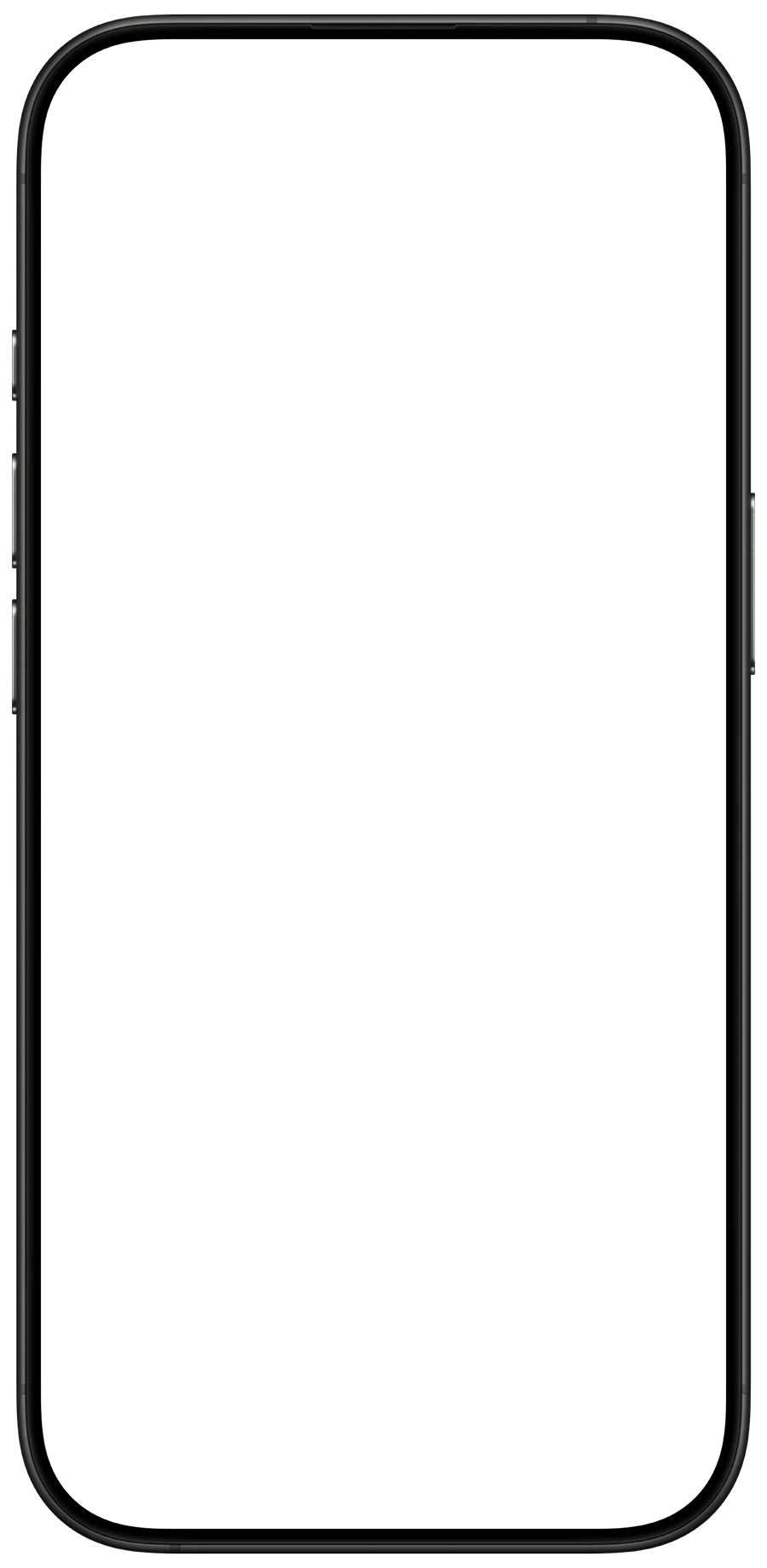
I turned the entire view into the primary action: tap anywhere to pause, two fingers to lap, and long press to reset. The UI isn't a set of buttons, the screen itself is the button.
Power user features for every user
We usually think of hands-free features as edge cases, and that's true for most tools, but in a high-intensity environment, everyone is temporarily impaired. Your hands are busy, wet, or just not close enough to your device.
To make Tempra Ora work in those moments, I built "Clap Control" and "Shake Control". Clap Control starts or stops the timer when you clap, or when there is a loud sound like a starter pistol at a race. Shake Control lets you start, stop, or record laps by shaking the device.
Progressive disclosure
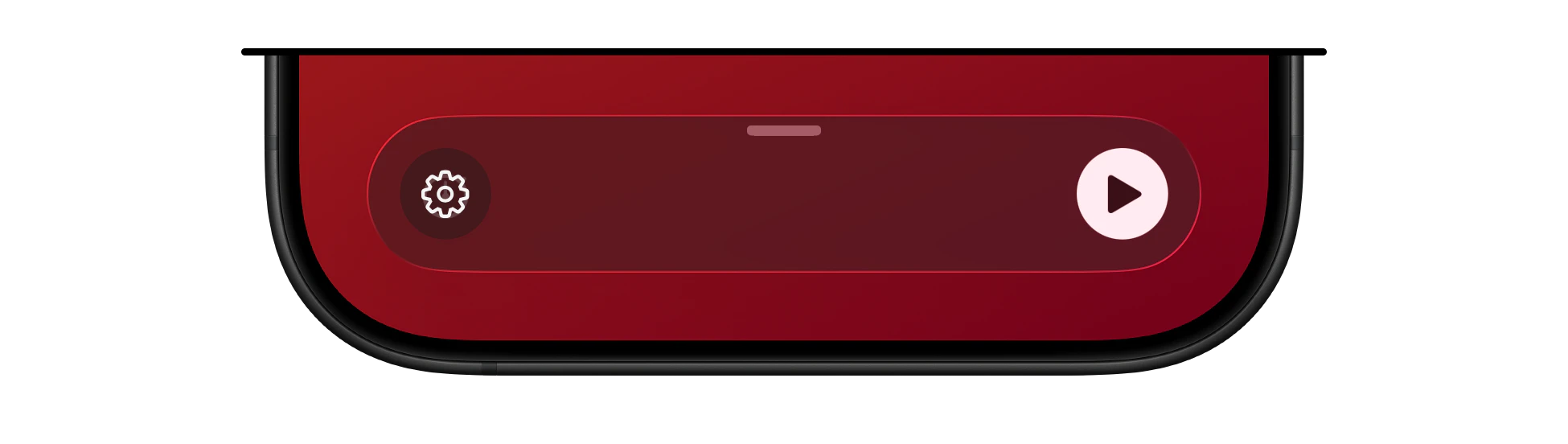
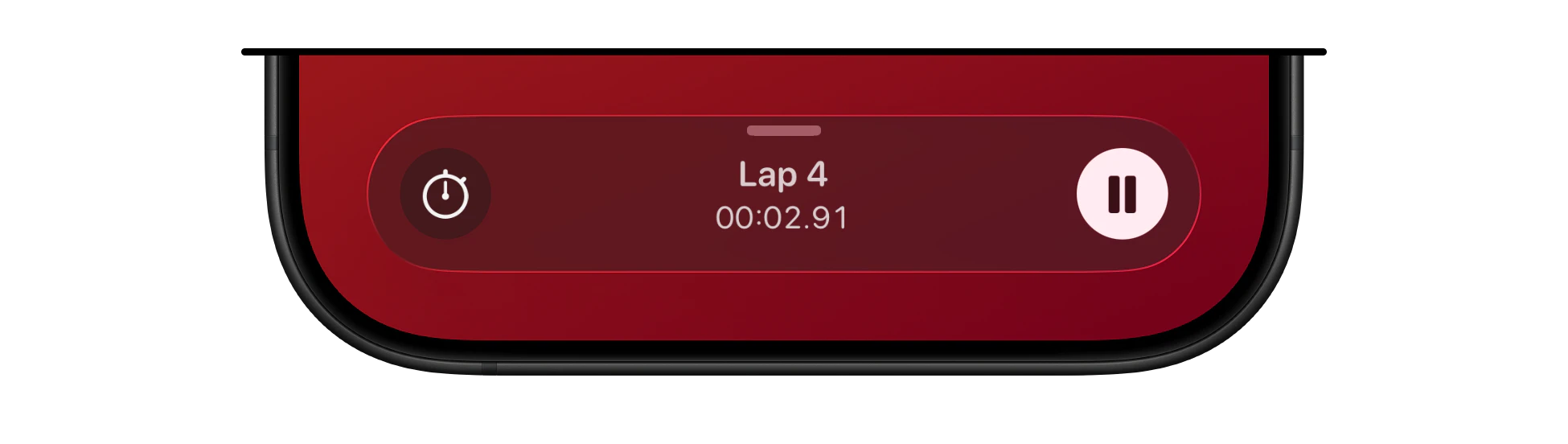
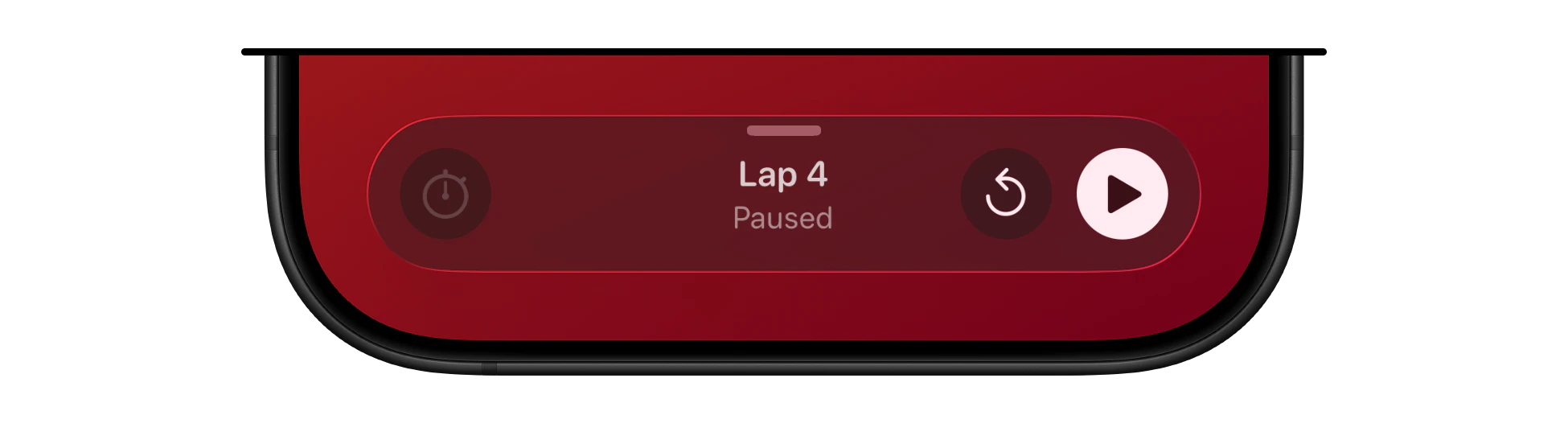
The "Bottom Tray" pattern came from a simple need: hide complexity until you need it. Laps, settings, and buttons are necessary for a stopwatch, but they're secondary when the time is running and you're not the one tracking it.
By placing the controls in the Bottom Tray, the primary signal stays protected. The user knows the data is there, but they aren't burdened by it.
Craft at 120fps
This also became an engineering challenge for me, because I usually prototype interactions in SwiftUI for user testing and to feel them on device.
There's no "network latency" excuse in a local tool, so if it stutters, it's my fault. The design process included profiling the render loop, not just drawing the interface. The Twilight Swirl theme rotates a full 360 degrees over exactly one minute and resets smoothly: the math is simple, the shader has to keep frame parity with the timer, and any drift is visible because the user is staring at it.
The honest part is that the lap list still starts to stutter a bit around 100 laps. I know where the bottleneck is, and the next version replaces the SwiftUI ForEach with a Lazy variant, but I'd rather call out the limit than ship a polished claim that doesn't hold up.
Closing
A stopwatch like this only works when you can remove UI and still trust the interaction.
Bigger touch targets, fewer labels, and enough confidence in the behavior that the screen itself could become the control.